
New release alerts
One email per release. Nothing else.
Latest releaseReleased July 9, 2026
The Demo Den
Quick walkthroughs covering roles, core interactions, and key features. See how the product is structured.
15updates
6:35 total runtime
 1:25
1:25Released
Jul 9, 2026
Total runtime
6:35
In this release
15 updates · 6:35 total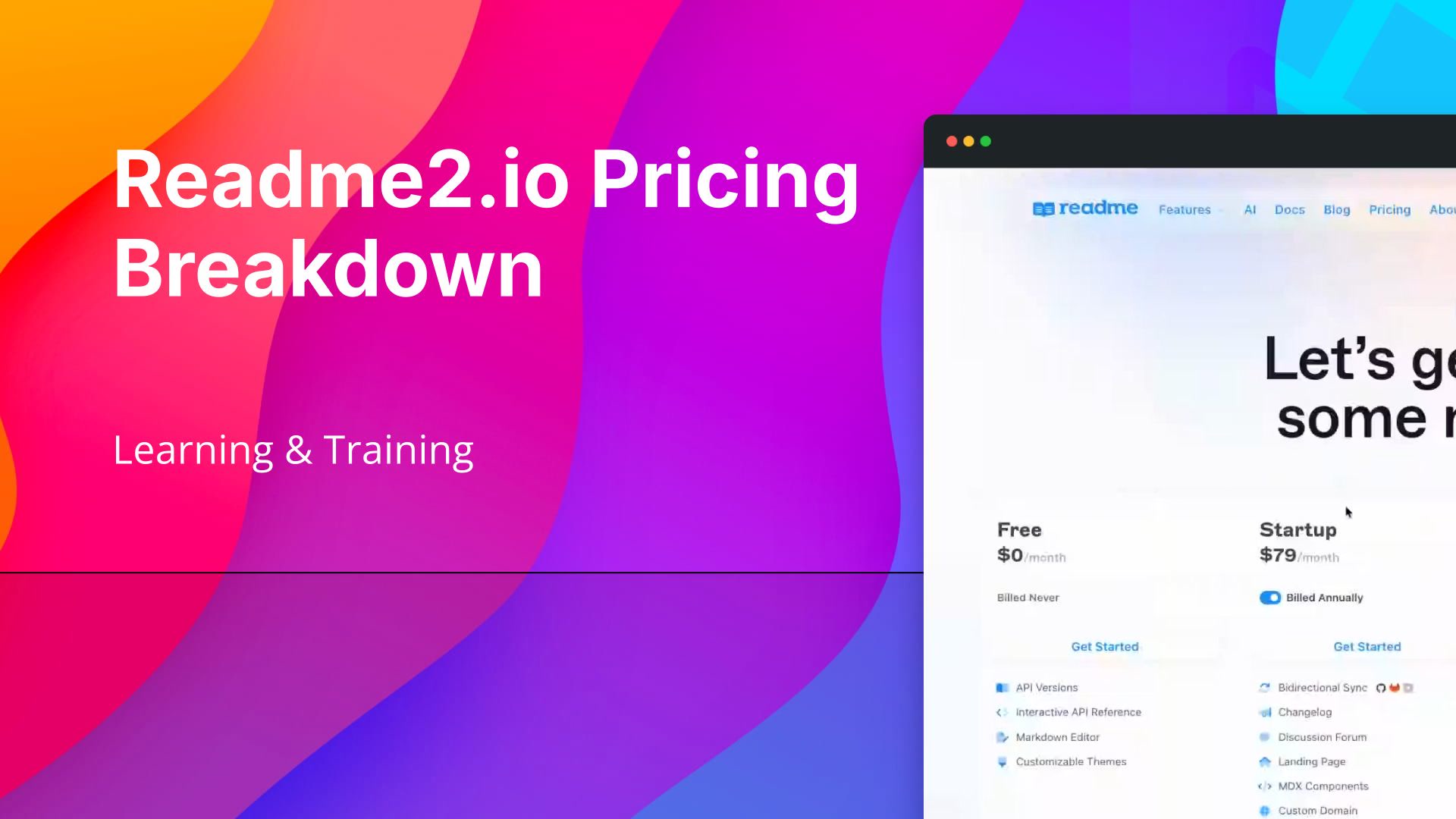 0:37Compare Readme.io Plans by Features and Billing CycleThe Readme.io pricing page presents all plans in one place, with documentation features laid out across their respective tiers for easy comparison. You can toggle between annual and monthly billing to see how pricing shifts across every plan. Reviewing the full feature breakdown alongside billing options gives you a clear picture of what each tier includes and what you will pay.
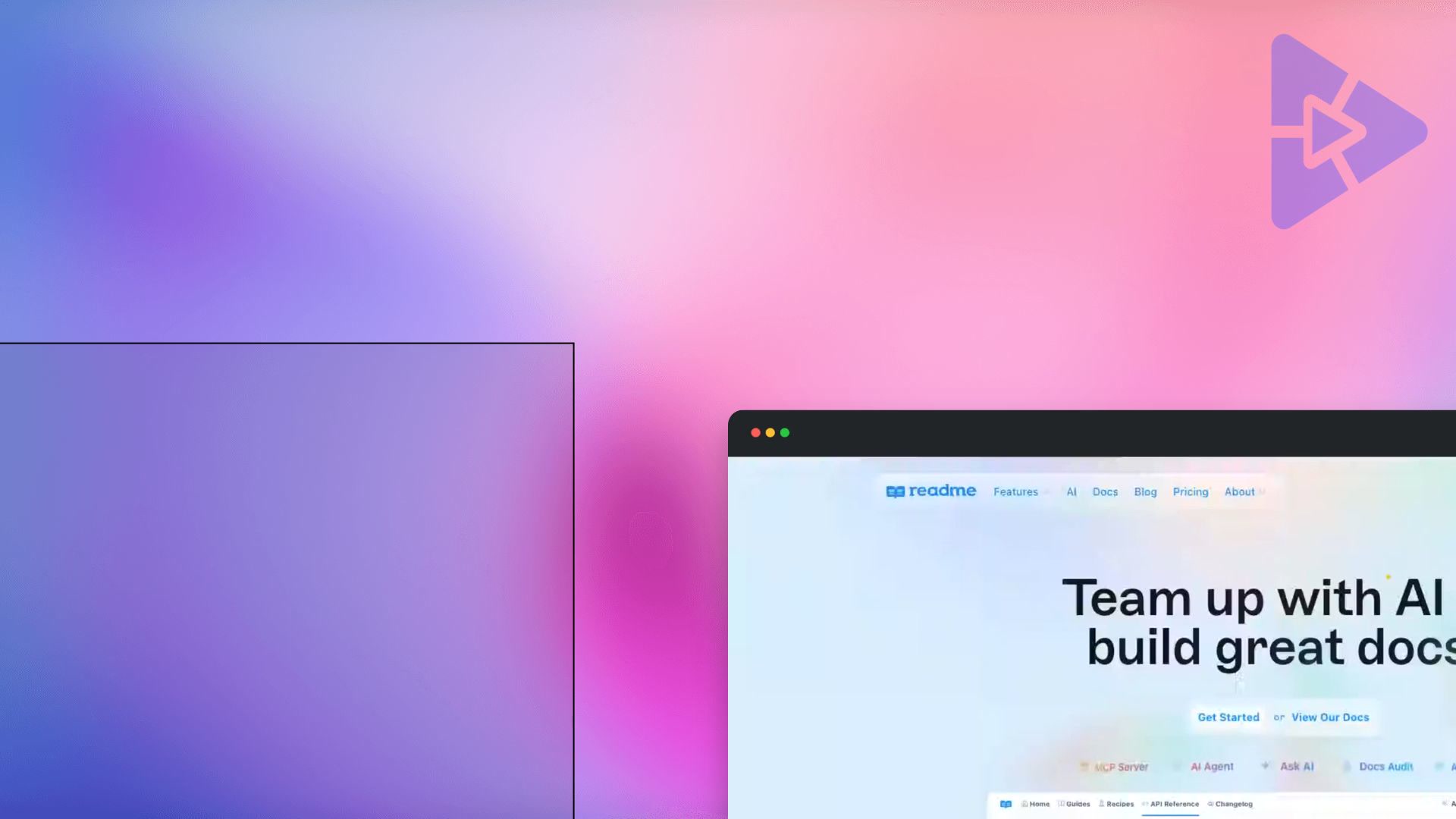 0:25Explore Readme.io's AI Documentation ToolsThis walkthrough covers Readme.io's main recording page, highlighting its core offerings for documentation teams. Key features shown include the one-click MCP server, an AI agent, Ask AI, docs audit, and the AI linter tool for maintaining content quality.
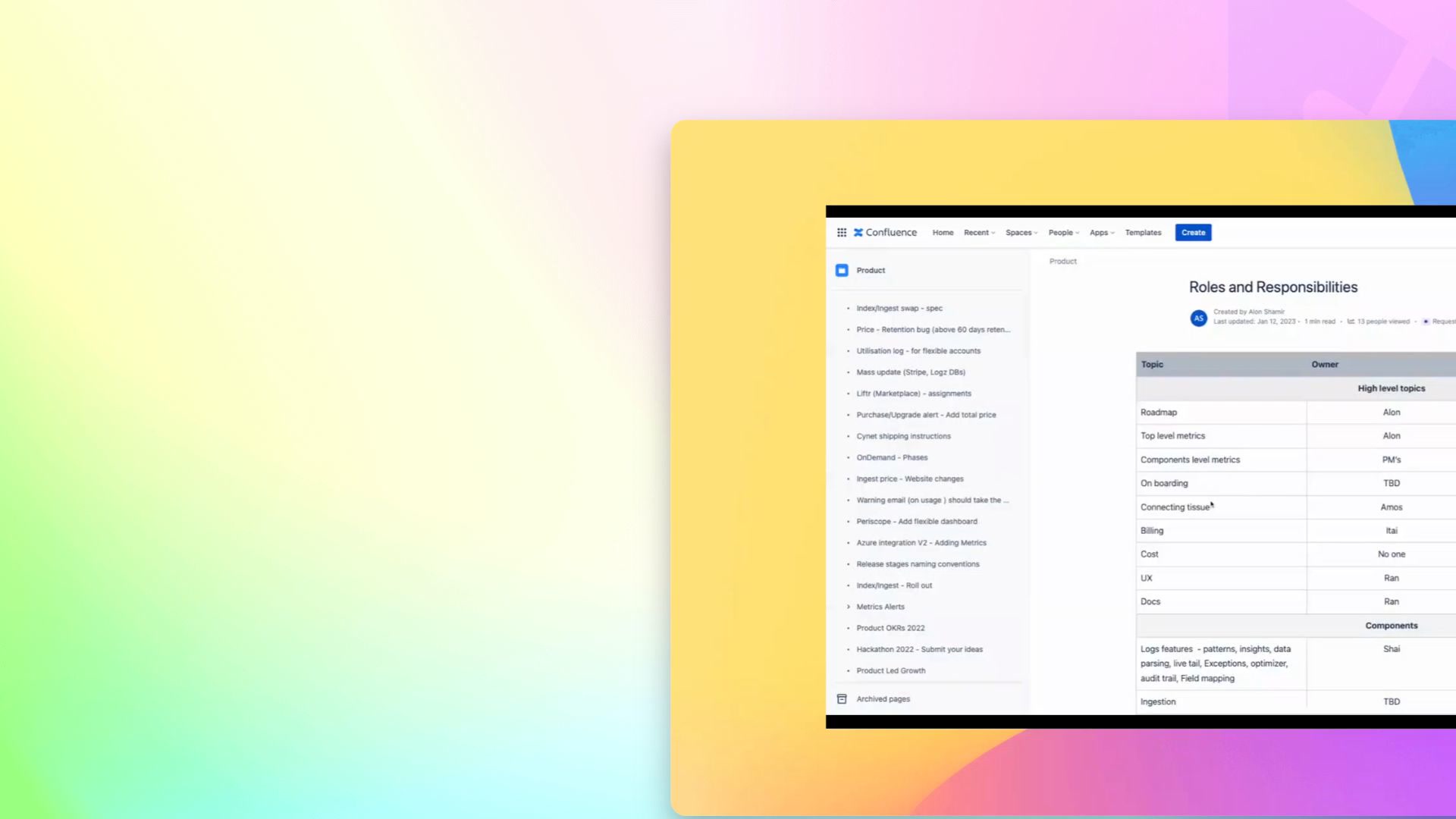 0:29Understand How Responsibilities Are OrganizedA walkthrough of how responsibilities are organized by product area within the system. It touches on patterns and insights across responsibilities, including policy, life exceptions, and optimize.
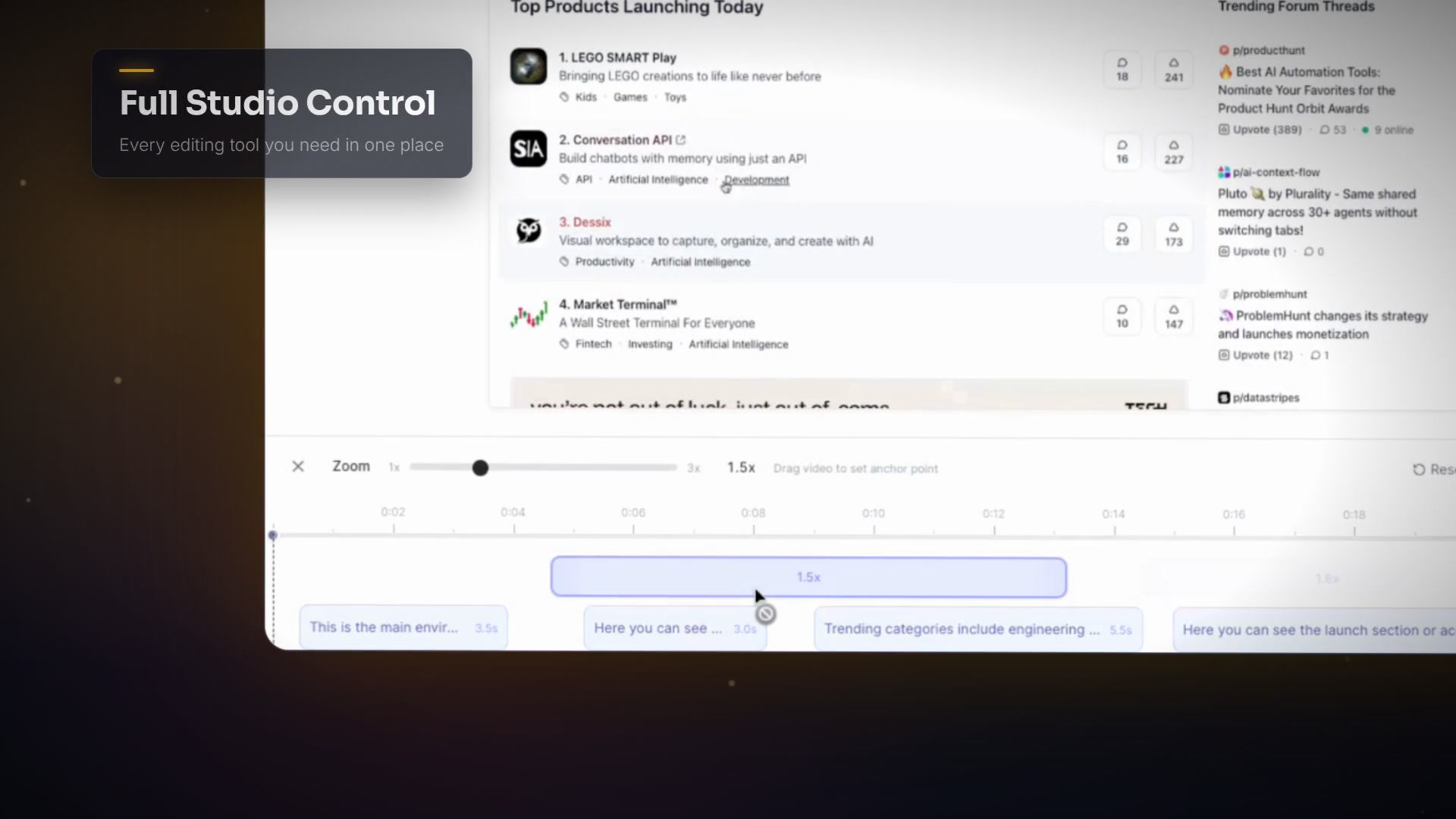
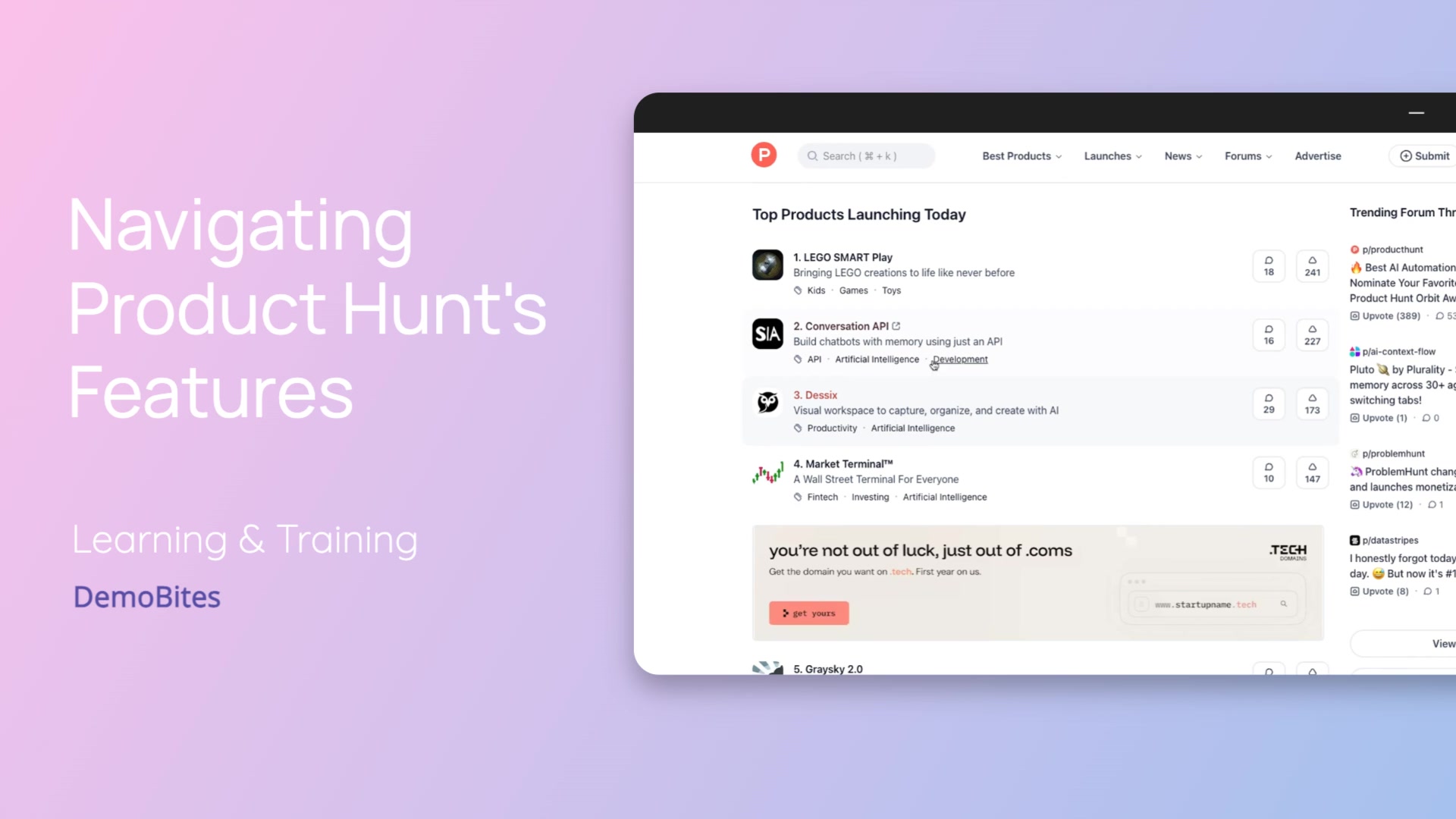 0:29Find Trending Products and Launch GuidanceThis walkthrough covers Product Hunt's main environment, including trending categories like engineering and development, LLMs, and productivity. It also shows where to find the launch section and the complete launch guide for step-by-step launch instructions.
 0:34Navigate Tropic's Main Prompt InterfaceA tour of Tropic's main interface, covering the command text box for entering prompts, the model selection option, available boilerplates, and the plus button for attaching files and photos. Together these give you a starting point for setting up any prompt with the right context and model.
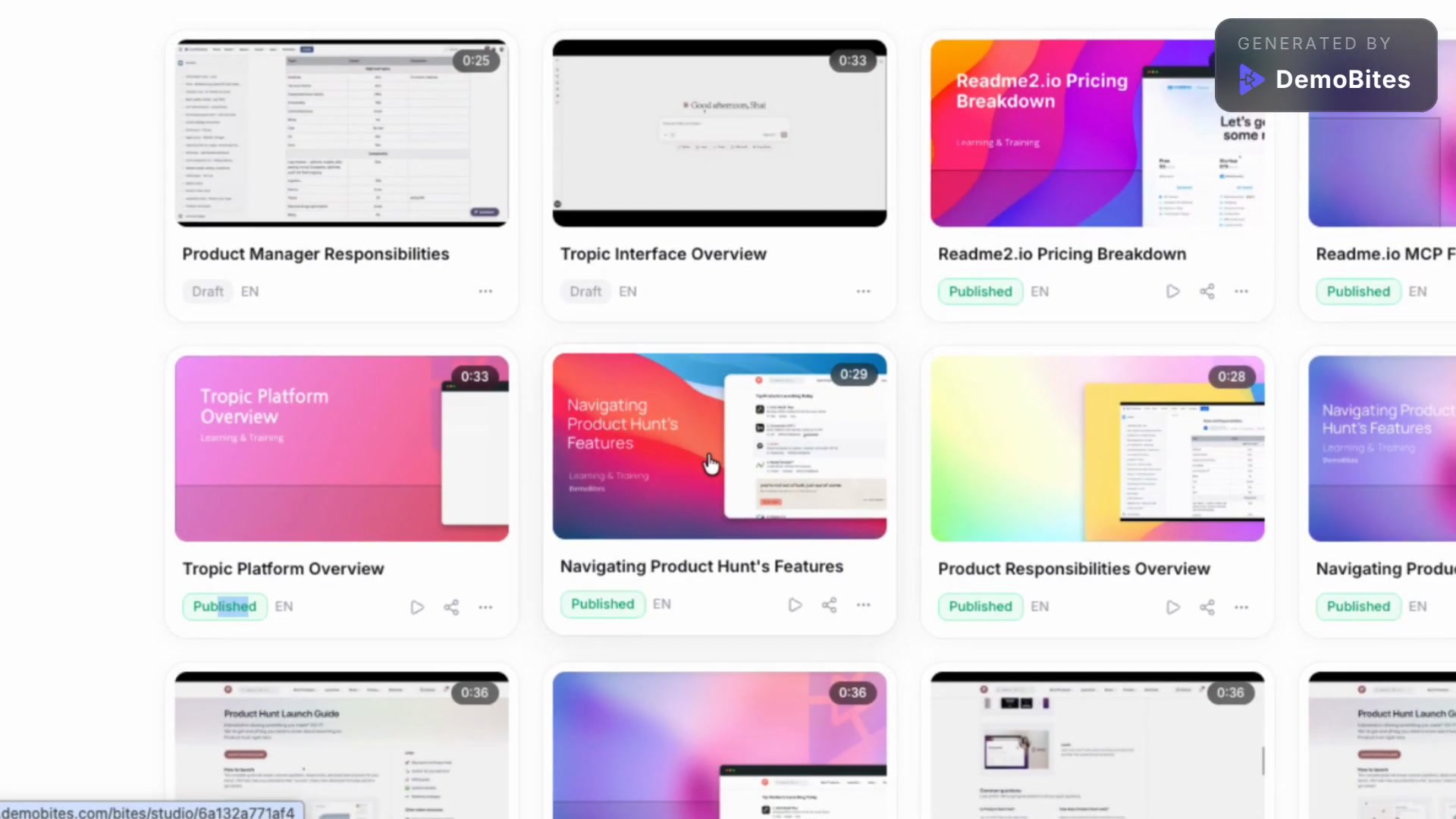 0:27Manage Bytes and Edit with Byte StudioThe main Bytes page shows both published and draft bytes, so you can quickly see the status of your content. Opening a specific byte brings you into the Byte Studio, a dedicated editing space with tools like text-to-speech (TTS), zoom, and content and settings customization.
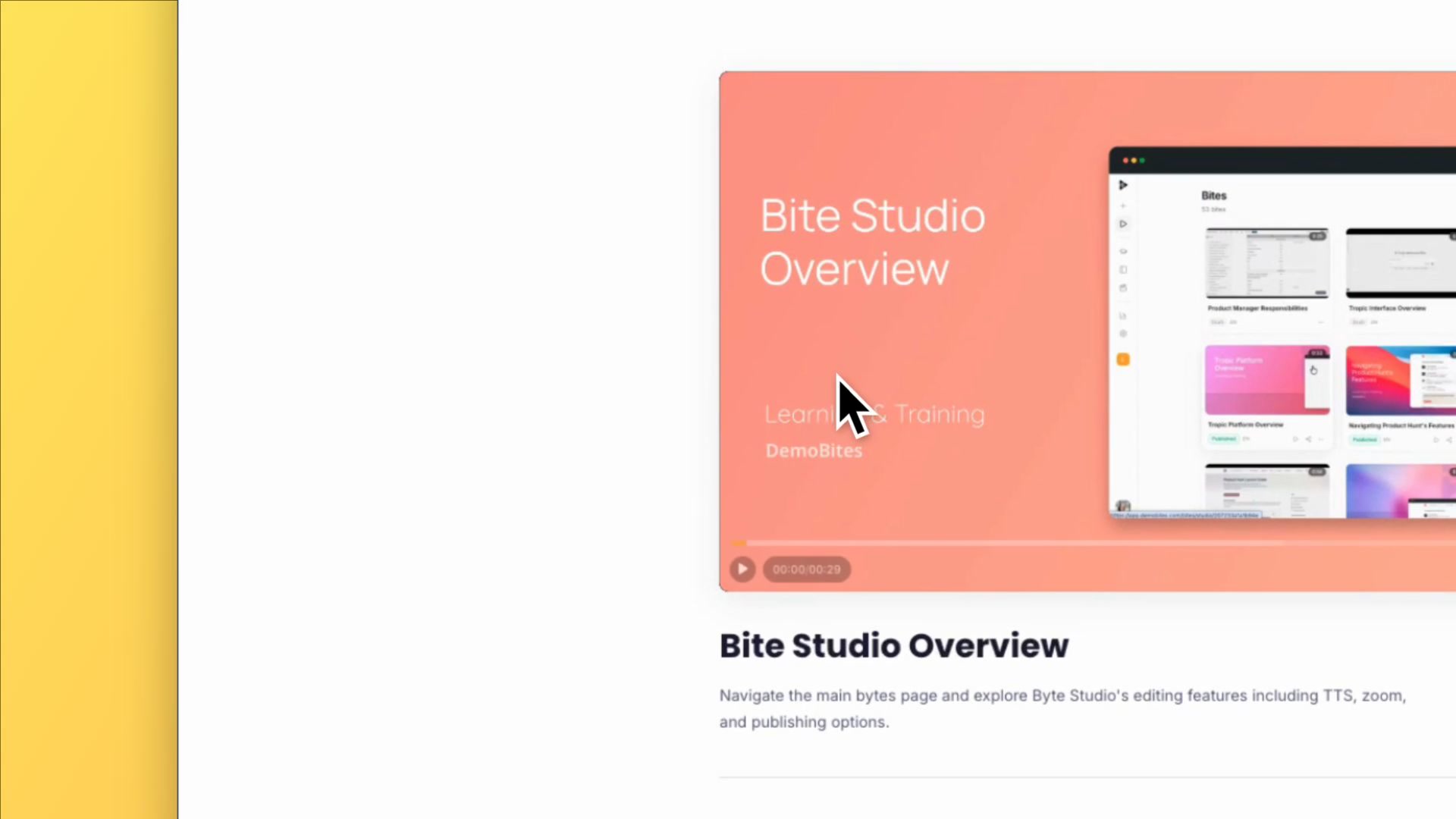 0:21Review Academy Course Content in One PlaceThe Academy inner page centers on a main video player alongside a short description. Below that, you'll find more videos and supplementary learning materials curated for the individual user, making it easy to keep learning without leaving the page.
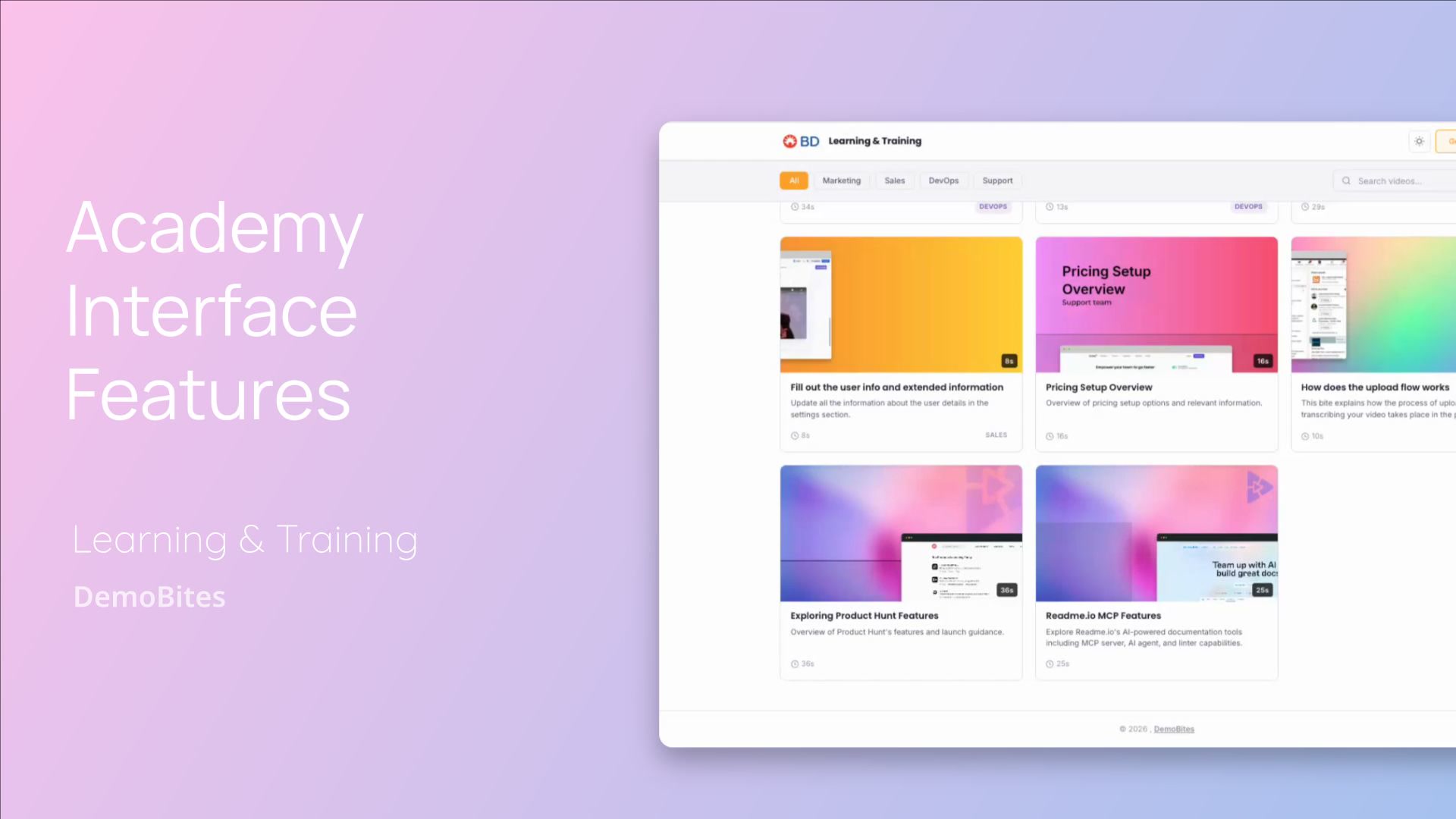 0:34Find, Filter, and View Training Content FasterA tour of the Academy platform's interface, covering category filters, keyword search, light/dark theme switching, and grid/list view toggling. These features help you quickly locate and browse training videos in the layout and style that suits you.
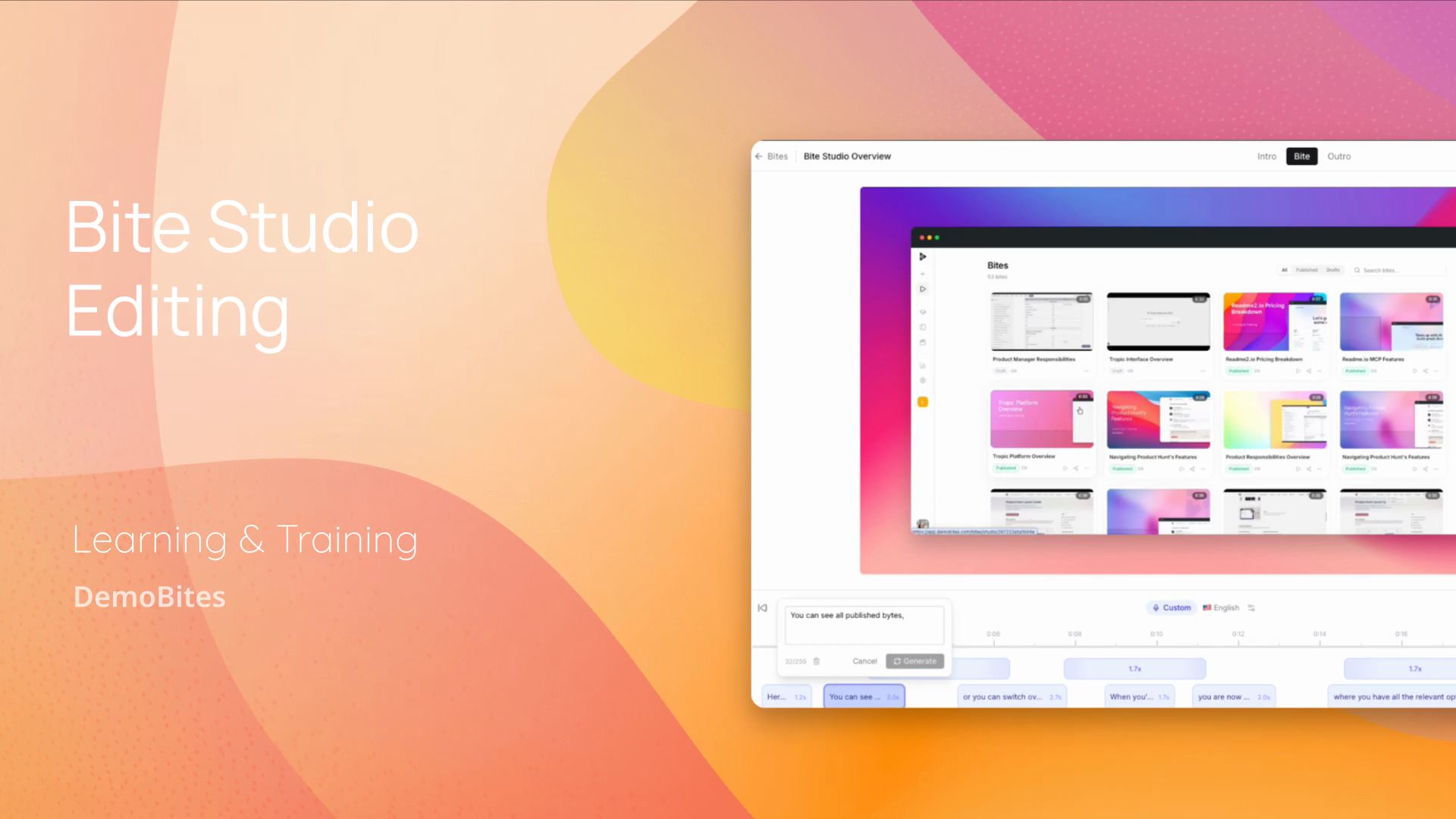 0:36Edit Text-to-Speech, Zoom, Intros, and Backgrounds in Byte StudioThis walkthrough covers the core editing tools in Byte Studio, including updating text-to-speech elements, adding zoom effects, managing intro and outro sections, and changing backgrounds. It ends by saving the changes to the project file.
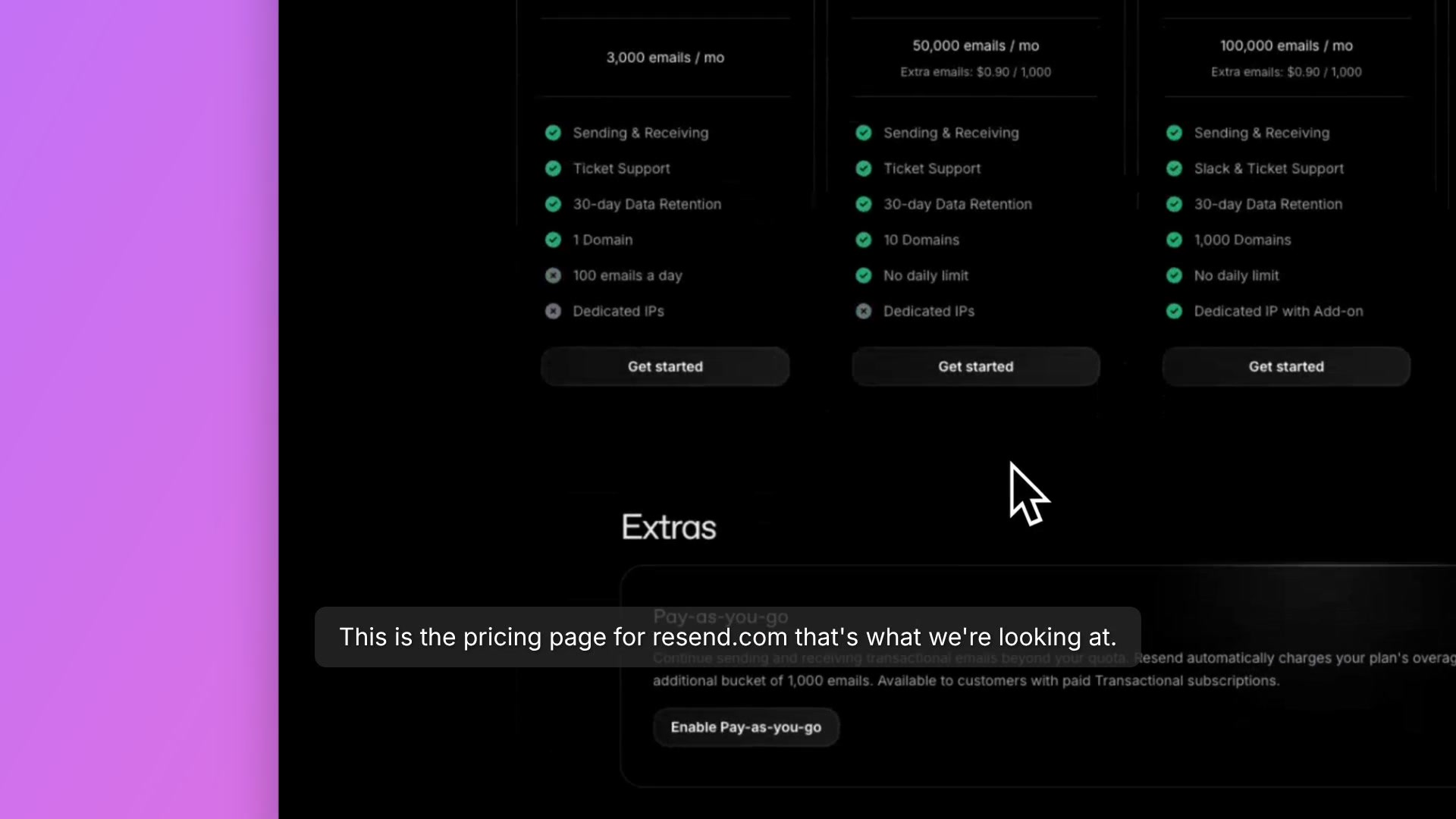 0:20Understand Resend's Pricing Tiers at a GlanceA walkthrough of the Resend.com pricing page covering the four available tiers: Free, $20/month, $90/month, and custom Enterprise. Each tier's cost is tied to the number of transactional emails you can send per month, with allowances increasing at each level.
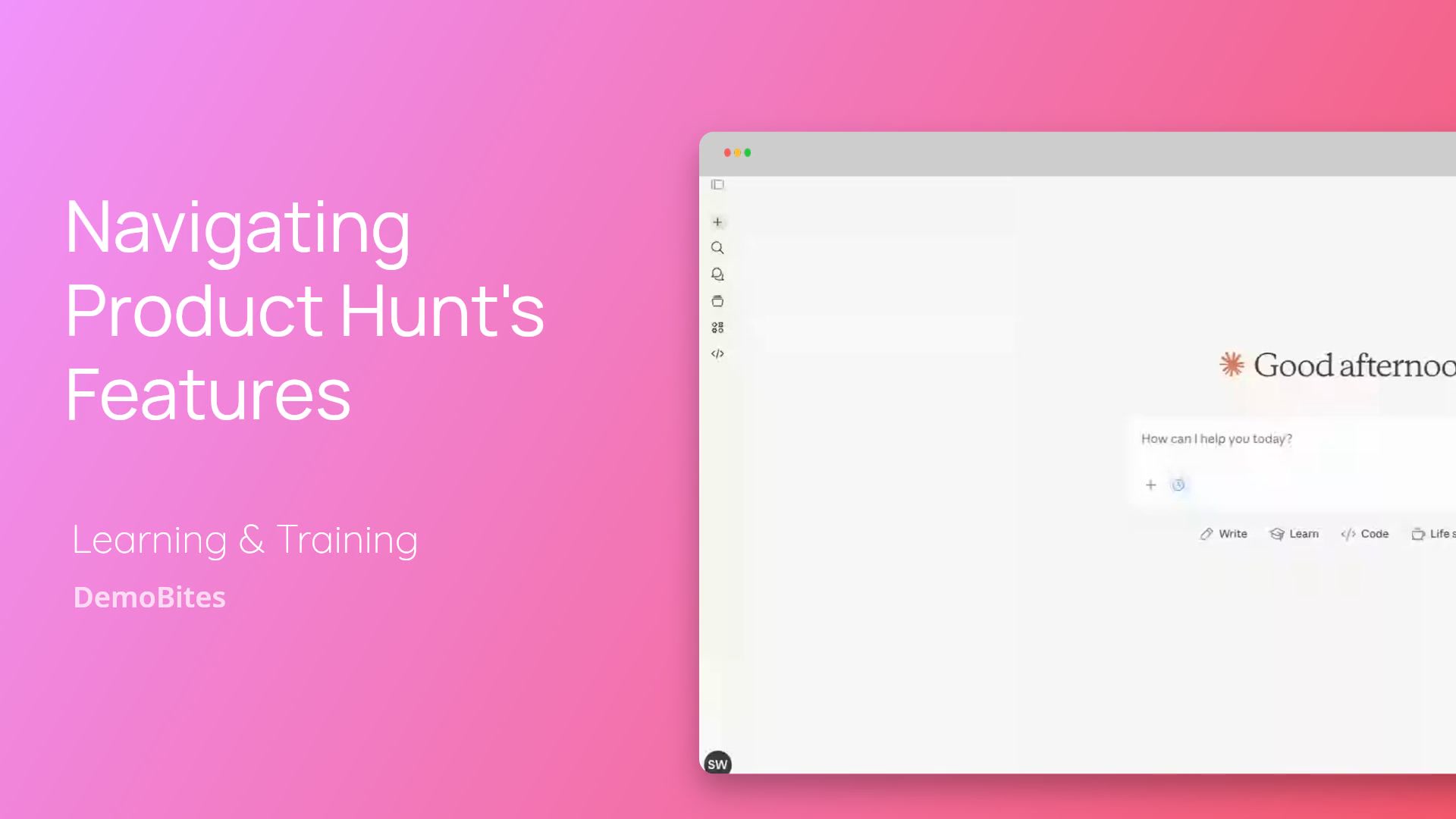 0:34Navigate Claude's Main Chat InterfaceA walkthrough of Claude's main chat page, highlighting the command text box for entering prompts, the model selector, ready-made boilerplate templates, and the plus button for attaching files. It gives a quick lay of the land for anyone new to the interface.
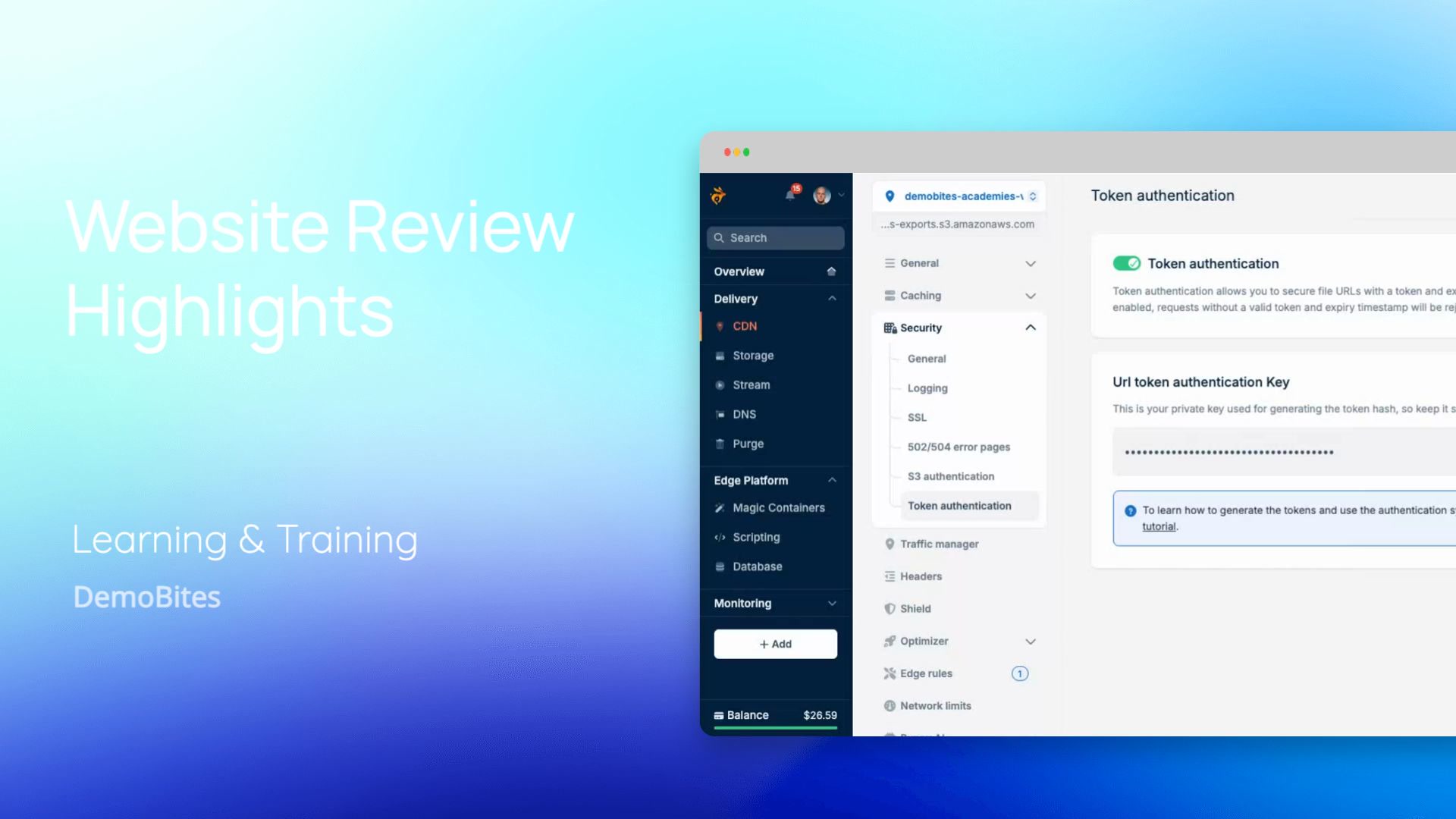 0:13See Why This Website Delivers on Its PromisesA first-impression review highlighting a website that lives up to its promises. The reviewer shares an honest, enthusiastic reaction, praising the site as exactly what they hoped it would be.
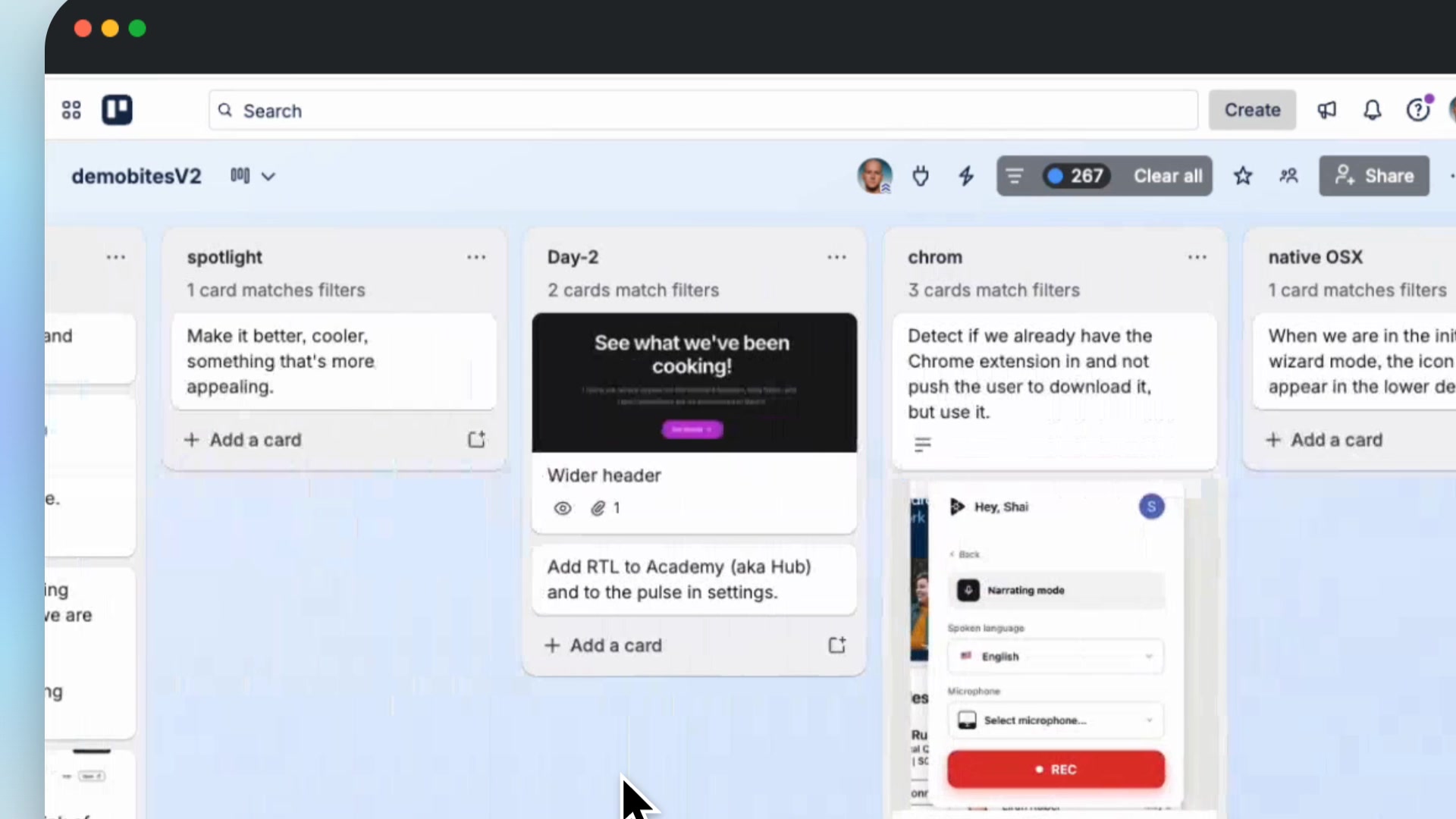 0:20administrationUnderstand App Cards and Overview LayoutThis walkthrough covers the main app interface and its primary interaction, showing how cards give a focused view of each topic. It also touches on one card's content: creating a byte filler name.
 0:07Learn to Count Sequentially From One to TenA simple demonstration counting numbers sequentially from one to ten. Each value is presented one by one in order, offering a clear model of basic sequential counting.
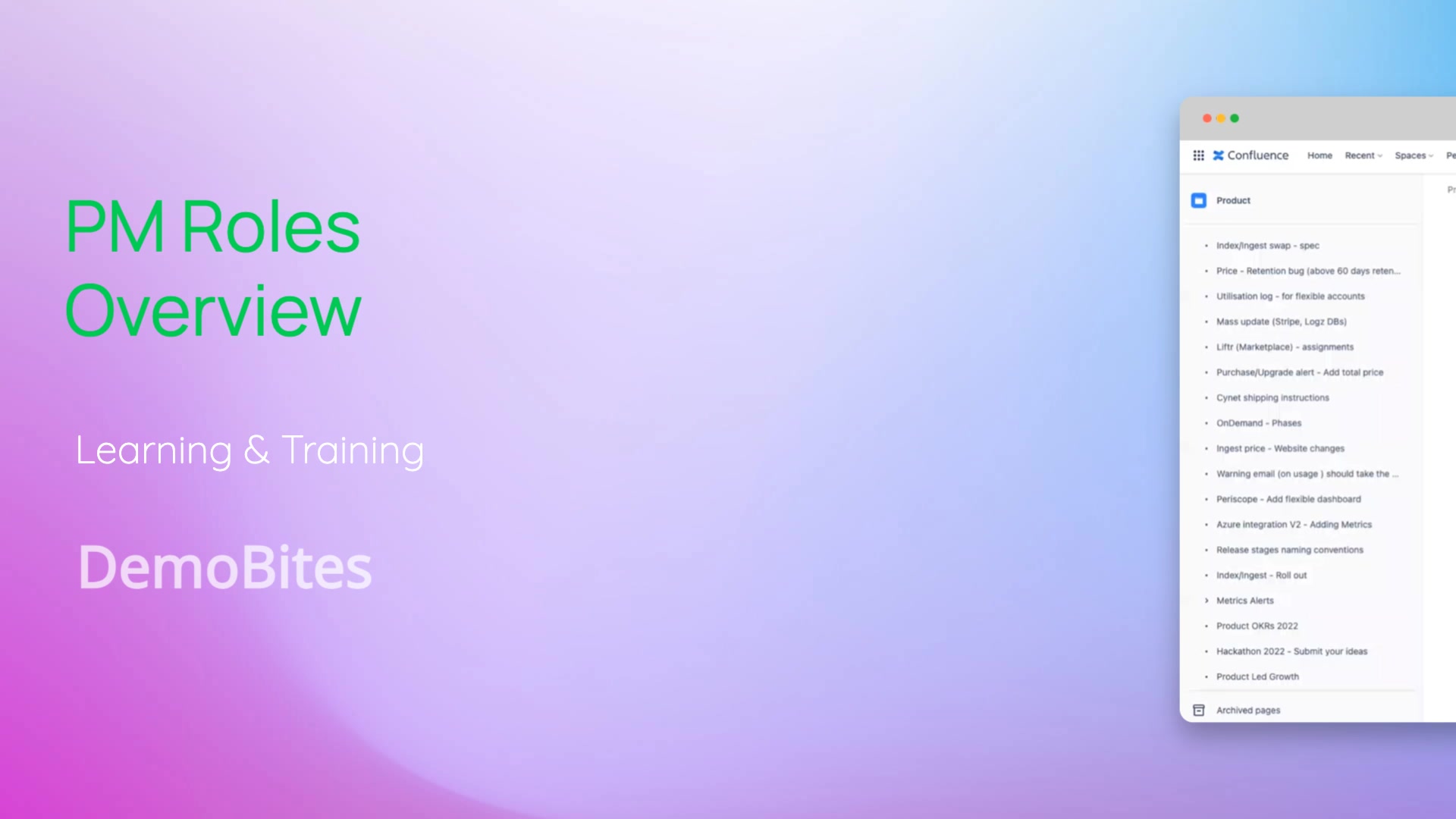 0:29See Who Owns Which Product AreaThis walkthrough covers the Roles and Responsibilities page, where product manager duties are laid out by area. It highlights how one PM's responsibilities span Patterns, Insights, Data Parsing, Live Tail, Exceptions, and the Optimizer, illustrating how ownership is organized across the team.
← Previous releaseMarketing and sales
Get the next release in your inbox
One email per release. Nothing else.